


Canadian Bridge Federation
Maple Leaf Games
Friday night bridge on RealBridge—see familiar faces, meet new friends and earn ACBL Masterpoints in a relaxed, welcoming environment.
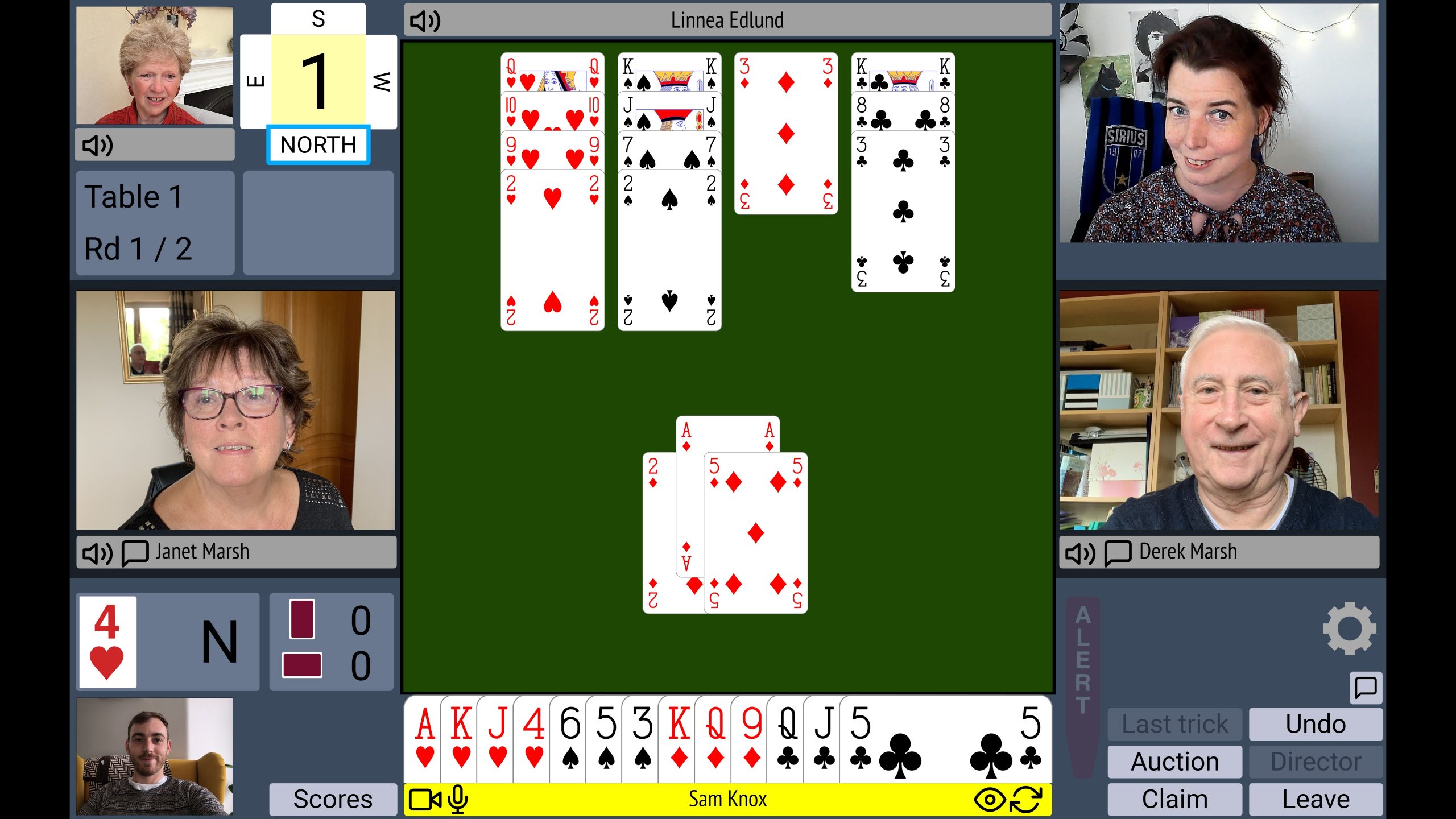
Every
Friday
RealBridge
Weekly online game
Play in the Maple Leaf Games
Players from all countries are welcome. Every player must create a RealBridge Account before playing.
Time
7:00 p.m. ET
Format
20 boards
Entry fee
$8 CAD
Friday night tradition
Bridge that feels personal
The Maple Leaf Games have become a Friday night tradition for players across Canada. Hosted on RealBridge, these sessions let you see familiar faces, meet new friends and enjoy bridge in a relaxed, welcoming environment.
RealBridge makes online play feel personal and engaging, and every game awards ACBL Masterpoints.
Once you create an account and deposit funds, your RealBridge Account portal contains all the information you need to play in future CBF Maple Leaf Games.
Support Canadian bridge
Designate My Home Club →
Share profits with your home club
Profits can be shared with your Home Club, so encourage your friends to play! If you have not already selected your club, please complete the Home Club Designation survey.
If you are disconnected
Reconnect by clicking the same link you originally used to join the game.
ACBL number requirements
ACBL requires players to have an ACBL number to participate in the 0–499 game. Anyone may play in the non-limited games.
Get a free ACBL Guest Membership →
01
Before your first game
Create an account and deposit funds
Set up your RealBridge Account
All players must create a RealBridge Account and deposit funds before playing.
Important first step
Begin by visiting:
users.realbridge.online
Do not forget to select
Continue with ACBL.
Need help setting up your account?
You may have a Canadian-dollar or US-dollar account. Contact RealBridge at (647) 483-4993—a Toronto number—or email support@realbridge.online if you need assistance creating an account or depositing funds.
We recommend completing the setup well before the game. This gives you time to contact RealBridge if you experience technical difficulties or your bank declines the deposit.
02
Friday game day
Join a Friday game
-
1
Log into RealBridge
The game opens half an hour in advance, so arrive early and socialize with new friends.
Log into RealBridge → -
2
Select “Continue with ACBL”
Use the same option you selected when you created your account.
-
3
Find the game
Look under Upcoming Games, usually near the top-right corner of the RealBridge website.
03
After the game
Find your results
Your past games
Log into your RealBridge Account and select the Results tab to see results from your past games.
Open My RealBridge Account →Results with Masterpoints
View all games on the ACBL website. In Live for Clubs, select View Club Results and search for Canadian Bridge Federation.
View ACBL Results →Things to remember
When your browser asks for permission to use your camera and microphone, select Yes.
You cannot play using a smartphone. Please use a computer or compatible tablet.
Build a worldwide online bridge community
Enjoy a great game, earn Masterpoints and help generate revenue for your Canadian Home Club.
We look forward to seeing you online and building community—one card at a time!